
Relationships (People & Accounts)
Everyone you work with — their history, organizations, and open commitments — kept in one searchable place, not your memory.
The Relationships section in Dori’s sidebar organizes your human and commercial network into two connected views: People (individuals) and Accounts (organizations, clients, and partners).
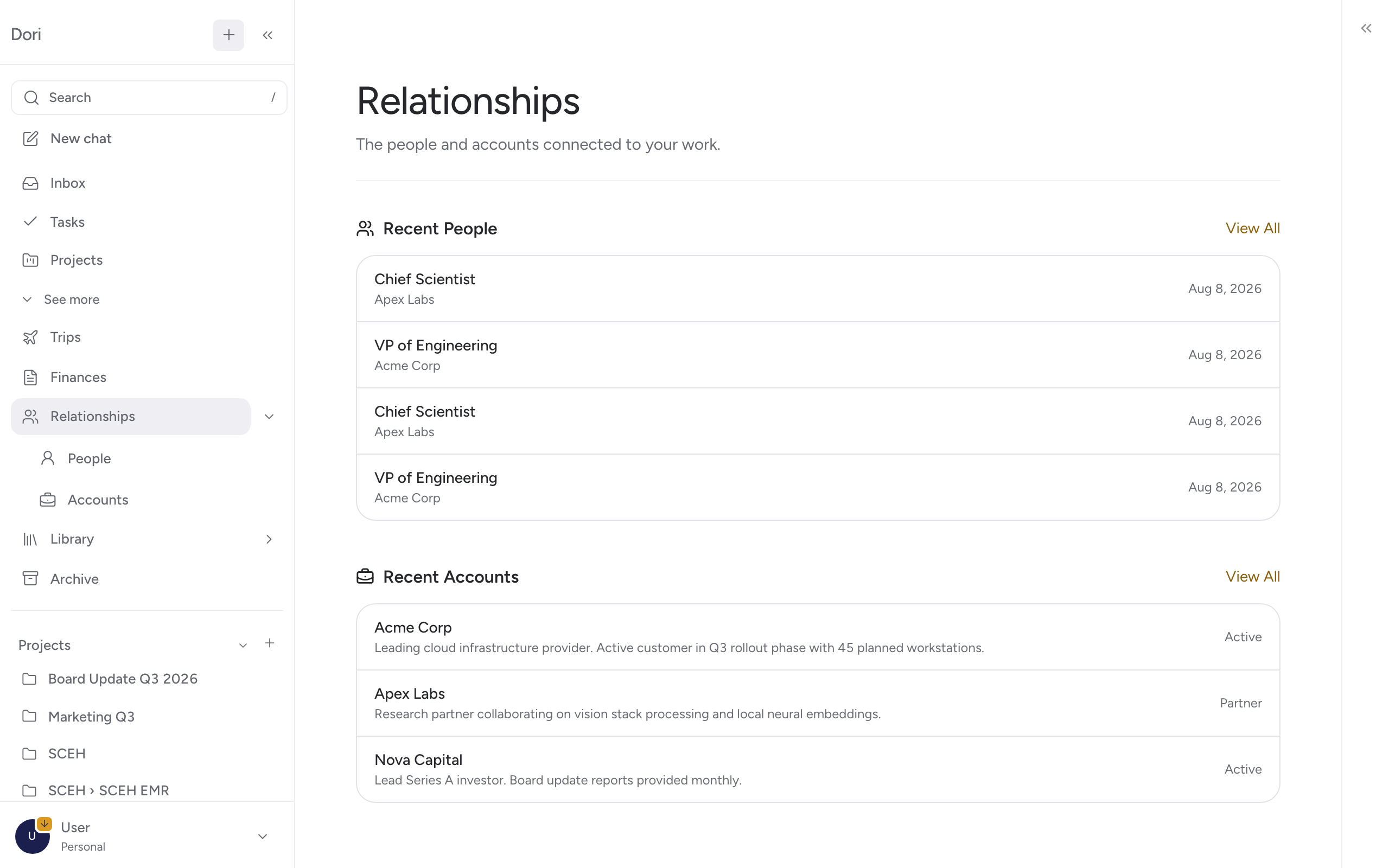
1. People
Go to Relationships → People in the sidebar. Each person gets a dedicated vault profile displaying their interaction history, meeting transcripts, open commitments, and linked accounts.
Auto-Population
You don’t need to manually enter contacts one by one. Dori automatically creates and updates People profiles whenever individuals are mentioned in:
- Calendar meeting invites and transcripts
- WhatsApp voice notes and text messages
- Forwarded emails and project notes
Quick Ways to Add or Enrich Contacts
You can also add or enrich People profiles directly:
- Drop a Visiting Card: Snap a photo or drop a PDF/image of a physical business card into Dori. Dori parses the contact details (name, title, email, phone, company) and creates a formatted profile.
- Share a Profile Link: Paste a LinkedIn profile URL or company bio link into Dori. Dori fetches public background details and attaches them to the person’s profile.
2. Accounts
Go to Relationships → Accounts in the sidebar. Accounts track client organizations, vendors, and commercial prospects.
- Automatic Contact Grouping: When people are linked to an account (e.g. Priya linked to Meridian Corp), Dori aggregates all notes and meetings involving anyone at Meridian under the Meridian Account timeline.
- Commercial Context: Store pricing terms, proposal histories, and active project statuses alongside client meeting notes. See Accounts.
Why Relationships matter
Before walking into a call or writing an email, open the recipient’s Relationships page. You’ll instantly see:
- Every past decision agreed with them
- Open follow-ups and tasks assigned to them
- Commercial proposal history for their account
This prevents context switching and ensures you never forget a commitment.