
Meeting notes
Recordings from Fathom, Google Meet, or Teams become structured notes with a summary, decisions, and follow-ups — automatically.
Meeting recordings become structured notes automatically. Decisions, tasks, and follow-ups are extracted and linked to the right people, so you’re not the one re-listening to a recording to find what was agreed.
Connecting a meeting source
Go to Settings → Connections → Meeting sources. Each provider has its own card showing whether it’s connected; you can connect more than one at once, and Dori will pick up recordings from whichever platform the meeting actually happened on.
Fathom is a notetaker bot that joins and records calls across any platform, not just one video tool.
Click Connect securely on the Fathom card. You’ll be asked to approve access — once connected, the card shows “active” and Dori starts picking up new recordings automatically.
Sign in with Google from the Google Meet card. Dori requests calendar and Drive read access so it can find your meeting events and the recordings/transcripts Meet saves to Drive afterward.
If you’ve already signed in to Dori with Google for something else, you may just need to upgrade that connection to grant the extra meeting-related scopes, rather than signing in again from scratch.
Sign in with Microsoft from the Copilot card. Dori requests calendar and online-meeting read access, and reads Teams meeting transcripts through the Microsoft Graph API.
As with Google, an existing Microsoft sign-in may only need an upgrade to grant these scopes.
Once at least one source is connected, a Sync now button appears if you want to pull in a recent recording immediately instead of waiting for the next automatic sync.
What you get afterward
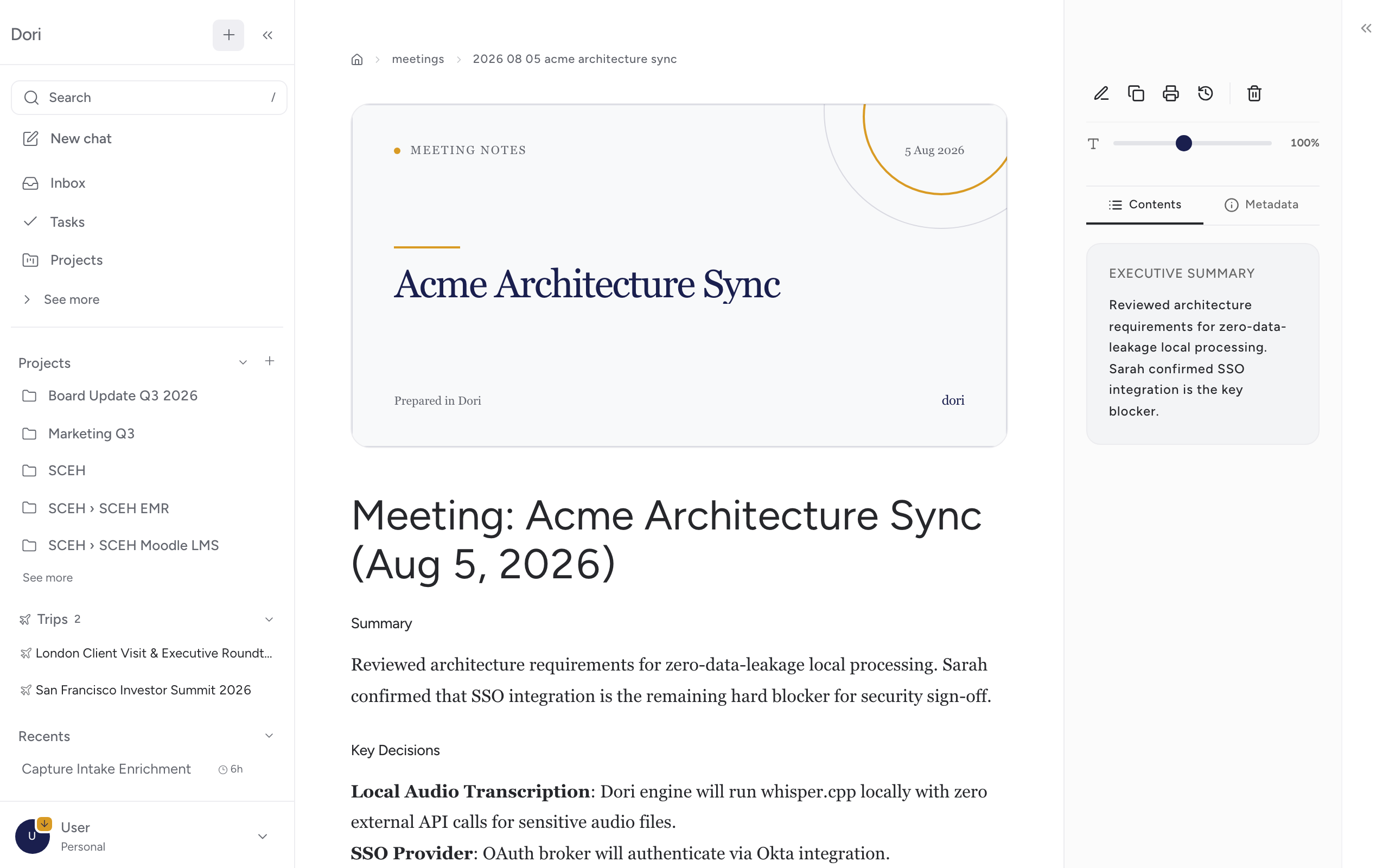
Once a recording is available, Dori turns it into a note in your vault with:
- A summary of what was discussed.
- Decisions and action items, extracted from the transcript.
- Links to the people who attended, so it shows up on their relationships page too.
You don’t need to manually forward or upload anything — once a source is connected, this happens on its own after each meeting.