
Connections
Everything Dori is allowed to read from, write to, or act through — WhatsApp, meeting sources, MCP servers, and your vault provider.
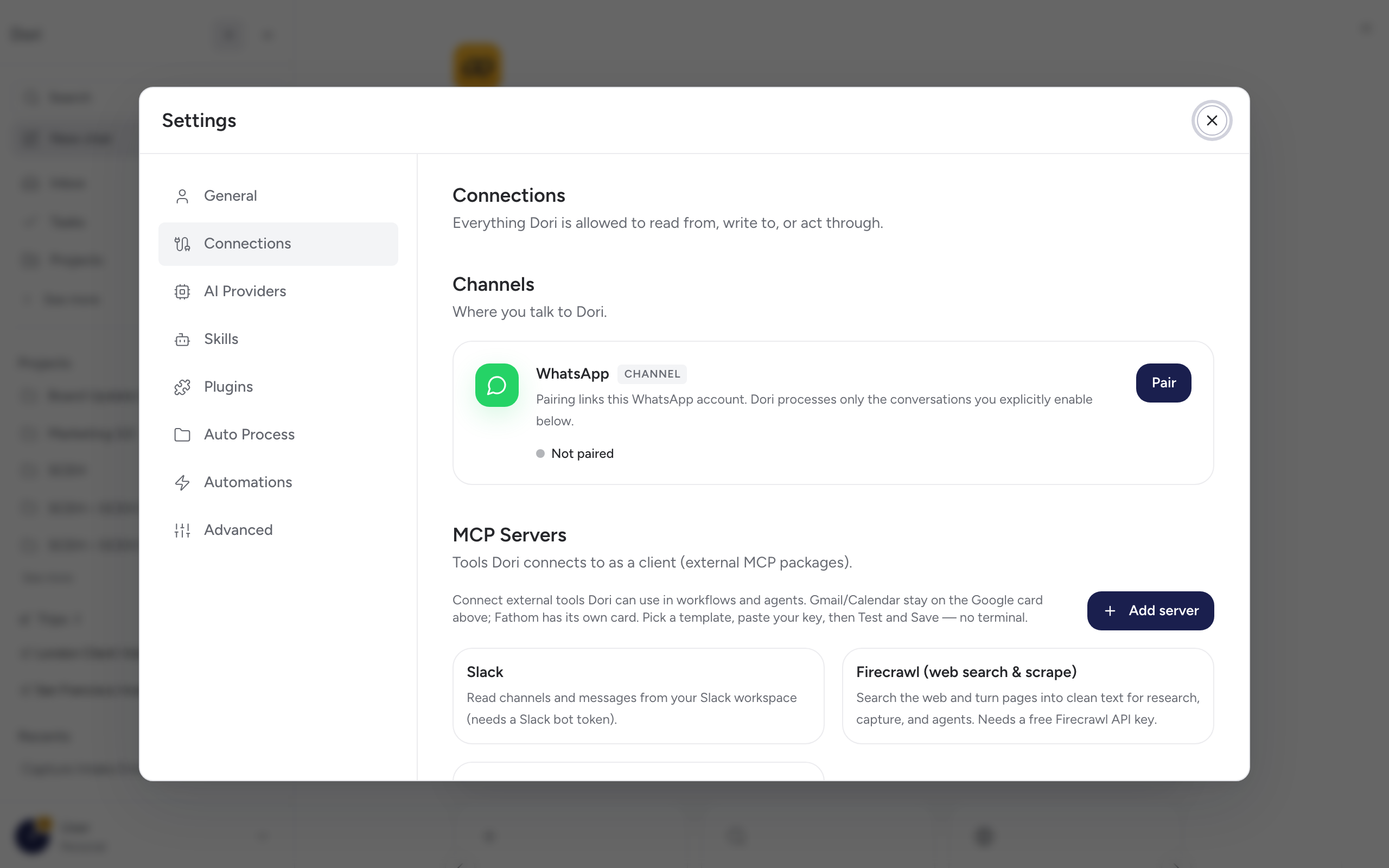
Settings → Connections is the full list of what Dori can reach — channels, meeting sources, external tools, your devices, and read-only sources like email. Voice/WhatsApp and meeting notetakers get their own pages (Voice & WhatsApp, Meeting notes); connecting external MCP servers or using Dori from another tool has its own section too (see MCP). This page covers the rest.
Connect your devices
If you’re running Dori Desktop, Settings → Connections → Connect your devices lets your phone or another device reach this instance over Cloudflare Tunnel:
- Click Enable remote access. Dori provisions a public
https://<slug>.mydori.appURL for you — no Cloudflare account needed on your end. - Scan the QR code (or copy the URL) from another device — no app install needed on that device, just open the link in any browser.
- Sign in with your Dori account on that device; opening the URL doesn’t automatically share your session.
Sources
A few read-only sources beyond meetings, also listed under Connections:
- Google — reads your Calendar events and Meet transcripts (shared with the meeting-notes setup — see Meeting notes).
- Microsoft — reads your Outlook calendar and Teams transcripts, same as above.
- Gmail — reads only the emails you label DORI; nothing else in your inbox is touched.