
Voice & WhatsApp
Capture on the go by voice note or WhatsApp message — Dori transcribes, extracts the decision, and files it automatically.
Send a voice note on the go, or message Dori on WhatsApp — it transcribes, tags, and connects it to what you’re already working on. No editing, no app-switching.
Connecting WhatsApp
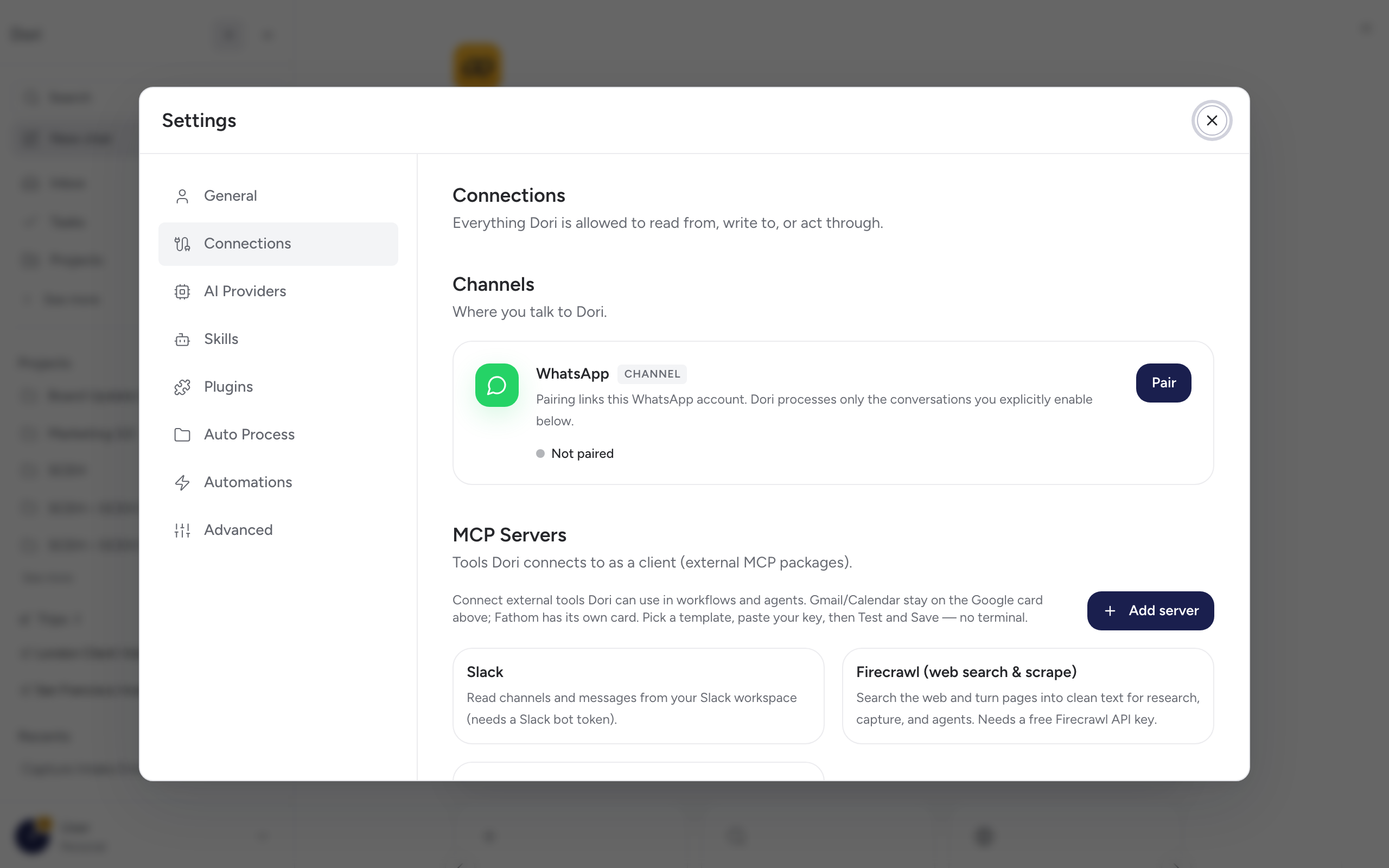
Go to Settings → Connections → WhatsApp and click Pair. You’ll pair by scanning a QR code with your phone, the same way you’d link WhatsApp Web.
Once paired, choose how Dori listens:
- My Dori chat — Dori reads messages you send directly to it.
- Groups — pick specific WhatsApp groups for Dori to follow. For each group, choose whether Dori acts on every message (“always listen”) or only when it’s mentioned/triggered.
You can revisit this setup at any time to add or remove groups, or switch modes.
What Dori does with a voice note or message
- Transcribes audio automatically.
- Tags the capture and links it to related people, projects, or prior context already in your vault.
- Runs any automation rules that match the incoming message (see Settings → Automations).
Try it
Send yourself a voice note or a WhatsApp message to Dori, then open the app — it should already show up organised. See Your first capture for more ways to try this.