
Create & share
Draft proposals, briefs, and updates grounded in your own vault context — no re-explaining background or copy-pasting from old notes.
Proposals, briefs, and updates get drafted from your own context — not a blank page. Dori pulls from what it already knows about the project, the people involved, and prior decisions, so you’re editing and approving instead of starting from scratch.
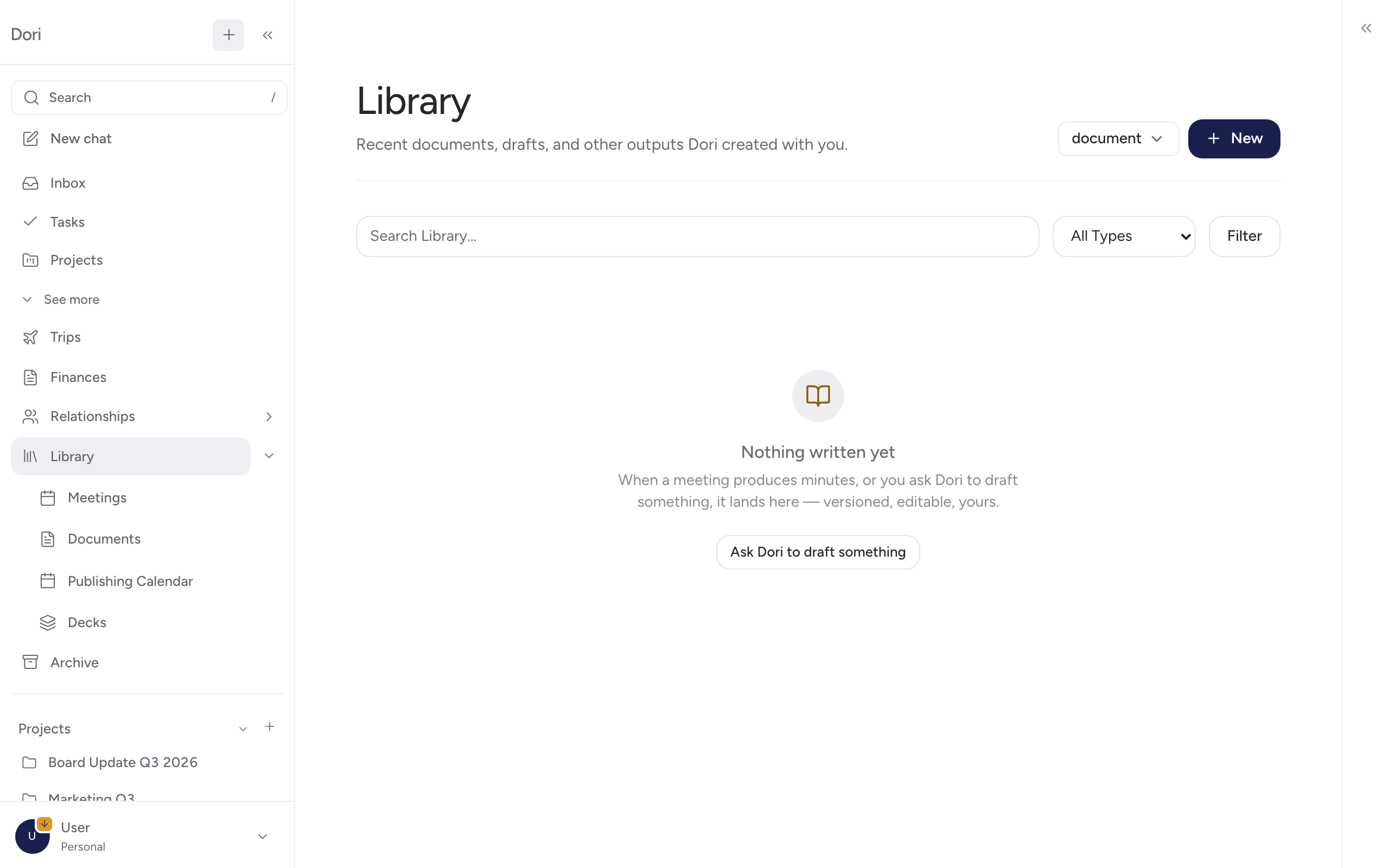
Starting a document
You can start a document directly, or ask for one from the chat dock (⌘/Ctrl + J) — for example, “draft a follow-up brief for the meeting with Acme yesterday.” Dori pulls from the relevant captures, meeting notes, and people involved automatically instead of asking you to re-explain the context.
Editing and sharing
Once drafted, the document is editable like any note in your vault — open it and edit inline, same as any other note. There’s no in-app “share” action; because the file stays as plain Markdown, you share it the same way you’d share any file: send the .md file directly, paste its content, or export it (PDF, Bolt Slides, HyperFrames) and send that. If your vault syncs through GitHub, Google Drive, or OneDrive, the file is also reachable through that provider once it syncs.
Every edit is captured automatically — open Version history from the document toolbar to see prior versions and restore an earlier one if needed, the same way you would in Google Docs.
Where this fits in
This is usually the last step after a capture: something comes in (a voice note, a meeting recording, a watched-folder file), Dori files and connects it, and when you’re ready to act on it, drafting starts from that context instead of a blank page.