
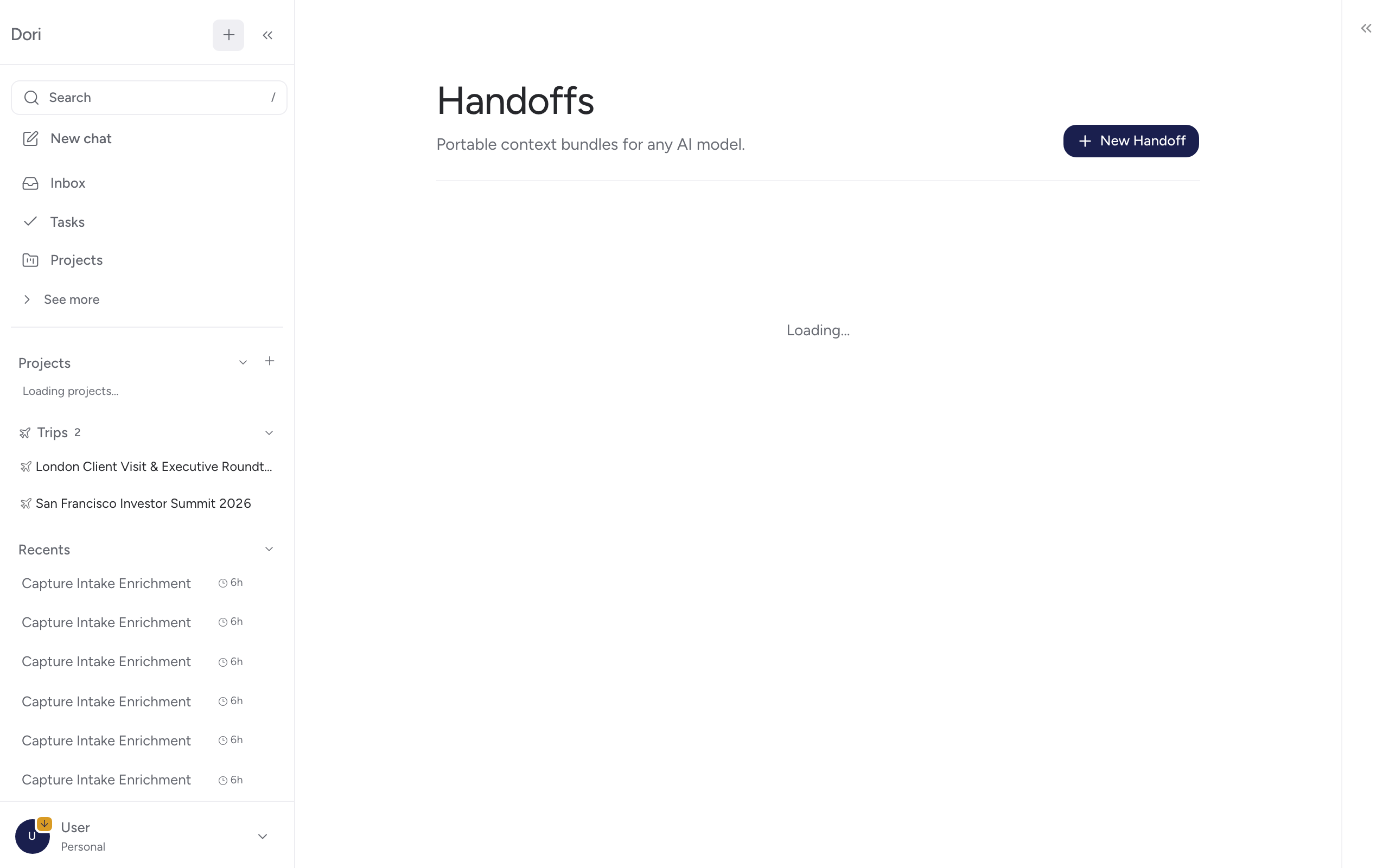
Handoffs
Portable context bundles you can hand to any AI model — ChatGPT, Claude, or otherwise — without re-explaining the background by hand.
This is the mechanism behind Dori’s context traveling with you across models: a handoff bundles vault files and an instruction into a portable pack that any AI model with GitHub MCP access — ChatGPT, Grok, Claude, whatever you’re using — can pick up and continue from.
Creating a handoff
From the Add screen (or the execute modal wherever you attach files), attach the files relevant to what you’re handing off, then click Create Handoff and give it a name. Dori bundles the attached files and your instruction into a manifest under a new entry in Handoffs.
What’s in it
Each handoff is a small folder in your vault (context-packs/<name>/MANIFEST.md) listing:
- The files it bundles.
- When it was created.
- The instruction you gave it.
Because it’s plain files in your vault, sharing a handoff is just sharing that folder — no export step, no proprietary format.
Where to find it
Handoffs isn’t in the main sidebar — open it from the command palette (press / and type “Handoffs”), or follow the link Dori shows right after you create one.
Why it matters
Without this, switching AI models means re-explaining everything from scratch. A handoff is the portable version of “here’s exactly what you need to know to keep going” — built from files you already have, not a summary you have to write by hand.