
Ask anything
Find anything you've ever captured — a meeting, a decision, a file — by asking in plain language, the same way you'd ask a colleague.
Made a decision three months ago? Ask in plain language and Dori finds it instantly — not just the note, but who it involved and what happened around it.
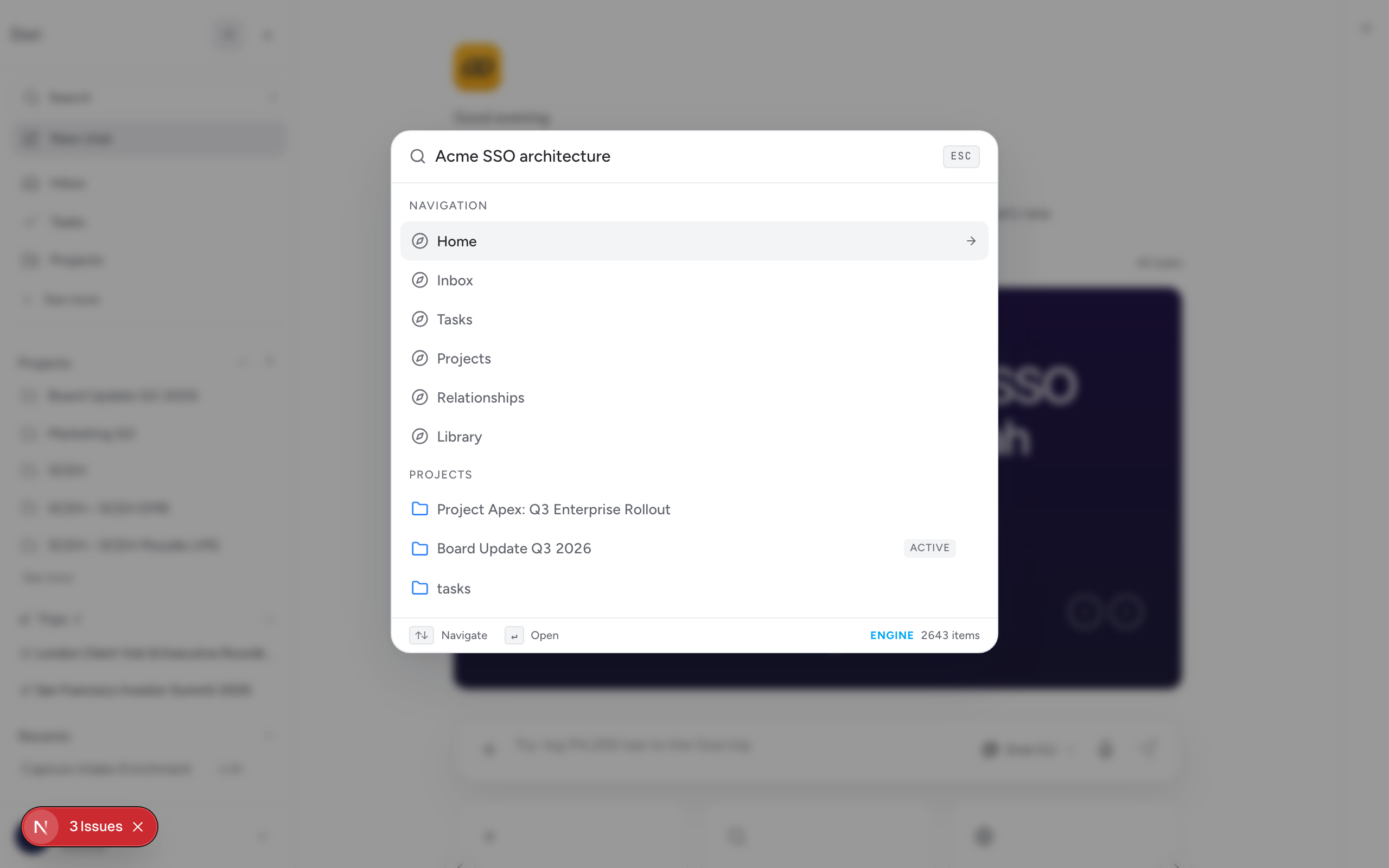
Two ways to search
- Command palette — press / anywhere in Dori to open it. It searches across routes, tasks, projects, captures, notes, people, and more as you type, ranked by relevance.
- Chat dock — press ⌘/Ctrl + J to open a conversational panel. Ask a question in plain language (“what did we agree with Acme last quarter?”) instead of searching by keyword, and Dori answers using your actual captured context, with links back to the source notes.
Why this works across tools, not just inside Dori
Because Dori’s memory is permanent, searchable, and stored as plain Markdown in your own vault rather than locked inside a chat session, the same context is available no matter which AI model you’re talking to elsewhere — it doesn’t reset every time you switch tools the way in-app model memory does.