
Automations
Workflows you define yourself, plus rules Dori proposes automatically after noticing you correct the same thing more than once.
Settings → Automations covers two related things: workflows you set up yourself, and rules Dori proposes after noticing something you keep doing by hand.
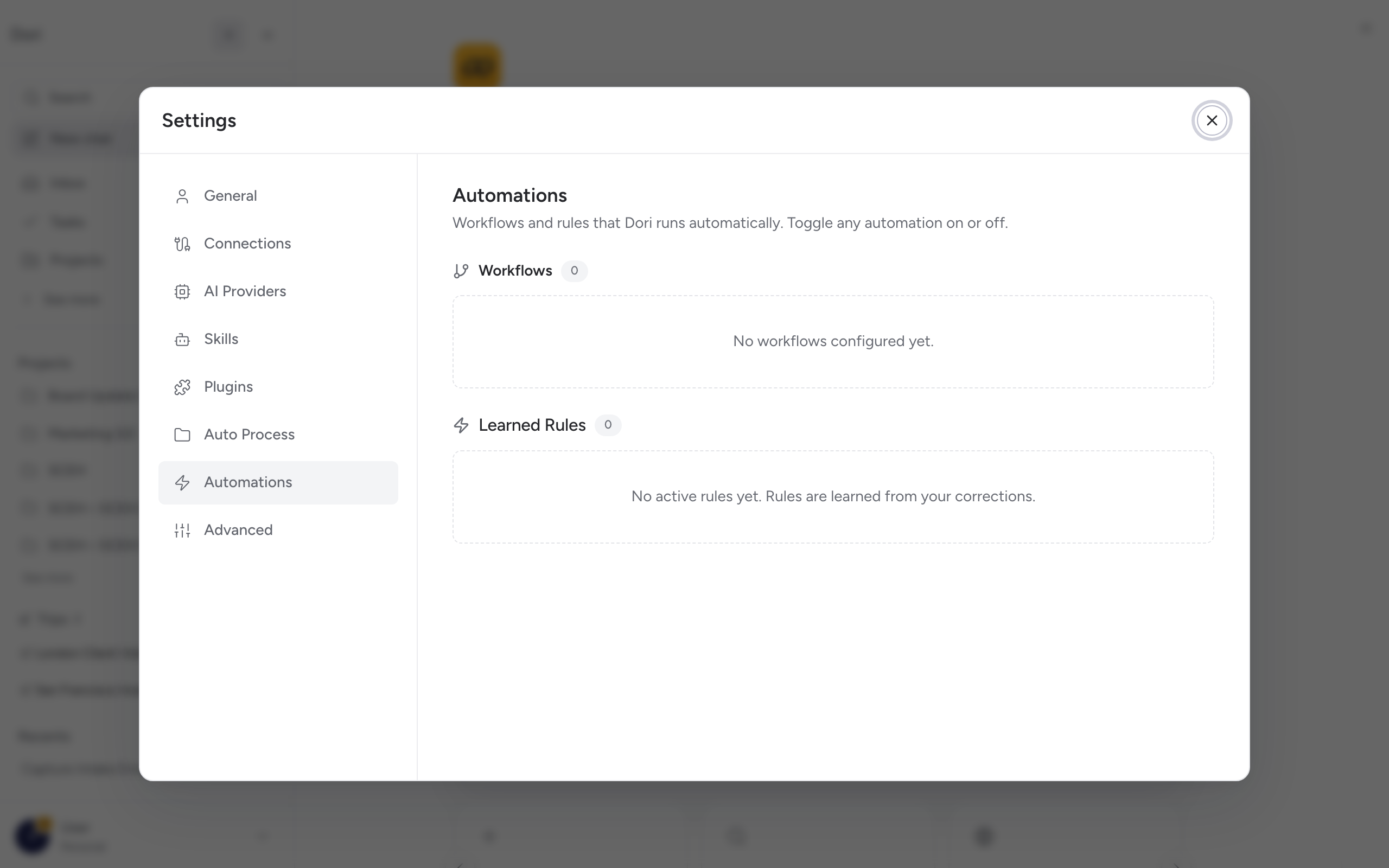
Workflows
A workflow is a trigger plus a sequence of steps — for example, “when a capture arrives → transcribe → tag → file.” You can see each workflow’s trigger and outcome summarized in plain language, and turn any workflow on or off without deleting it.
Rules: Dori learns from your corrections
If you keep correcting the same kind of thing — moving a capture from one place to another, retagging something the same way each time — Dori notices the repeated pattern and proposes a candidate rule: a plain before → after change, with the corrections that led to it shown as evidence.
A proposed rule Dori hasn’t applied yet. You’ll see how many corrections it’s based on and the specific before/after change. Approve it to make it active, or Reject it if it’s not actually what you want.
An approved rule Dori now applies automatically. Each card shows how many times it’s fired and when it last applied — so you can see it’s actually doing something, not just sitting there. You can disable an active rule at any time.
Rules you turned down. Kept around so Dori doesn’t propose the same thing again right away.
Open the full Rules Manager from Automations to review candidates, manage active rules, or check what’s been rejected.
Why this matters
You never have to write a rule from scratch — Dori only proposes one after seeing you make the same correction more than once, and nothing becomes active until you approve it.