
Accounts
Every organisation you deal with — prospects, clients, and partners — with its own isolated folder for notes, contacts, and commercial history.
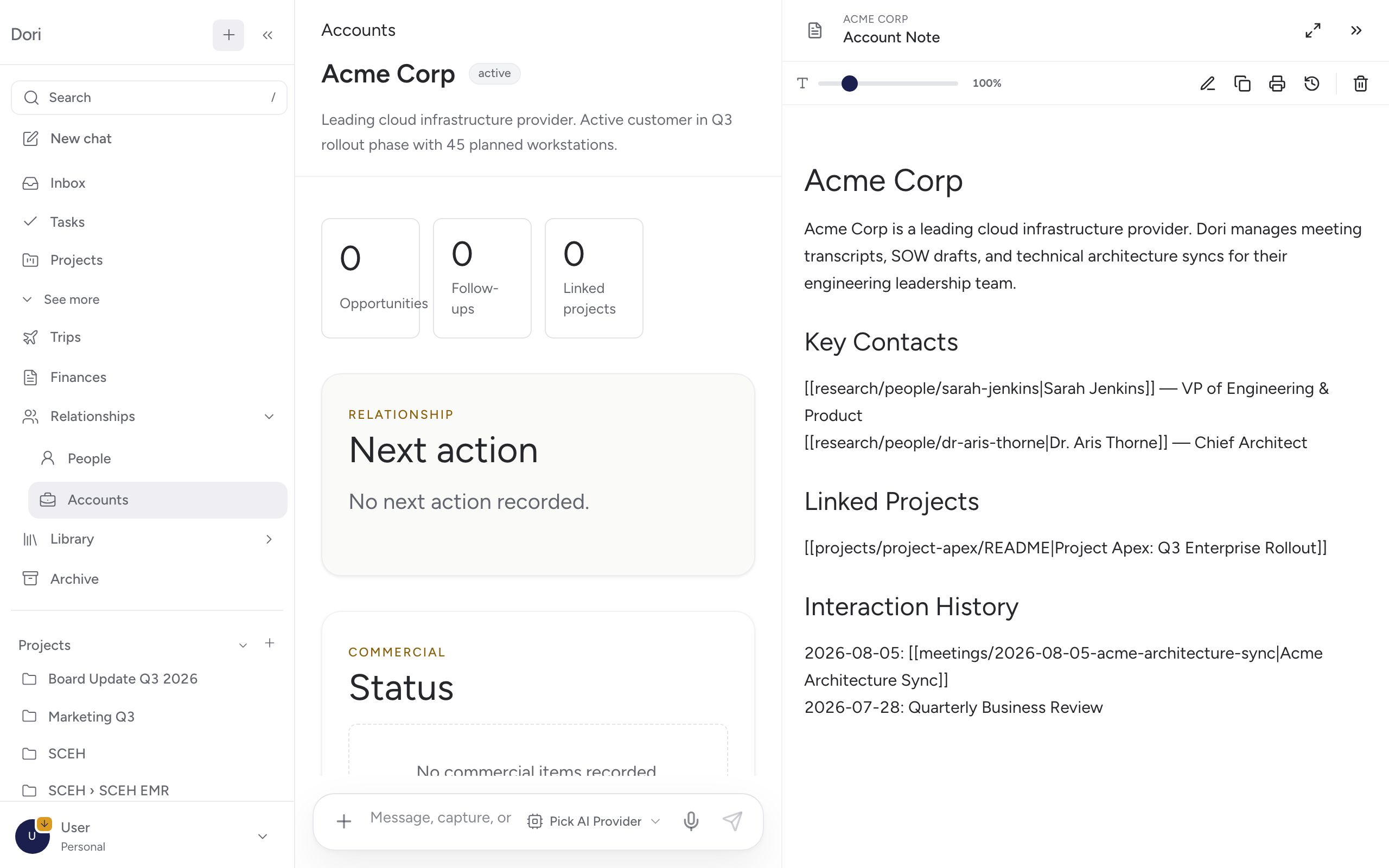
Accounts track organisations, not individuals — prospects, clients, proposals, follow-ups, and commercial context, plus the projects linked to each one. This sits alongside Relationships (People & Accounts): People is who, Accounts is which organisation they’re with.
Creating an account
Go to Accounts → New and fill in:
- Account name and a slug for its URL.
- Kind — what kind of organisation this is.
- Domain — its website domain, used to help match people and captures to it.
- Relationship status — where things stand (e.g. prospect, active client).
- Website / reference — a link for context.
Where to find it
Go to Relationships → Accounts in the sidebar.
Why it matters
When a person is linked to an account, captures and meeting notes involving them can surface commercial context automatically — so you’re not cross-referencing a CRM separately from your notes.