
Projects
Group captures, files, and context under a project — including sub-projects and folders that sync automatically as they change.
A project is a place to gather everything related to one piece of work — captures, files, links, tasks — so it’s all in one spot instead of scattered across chats and folders.
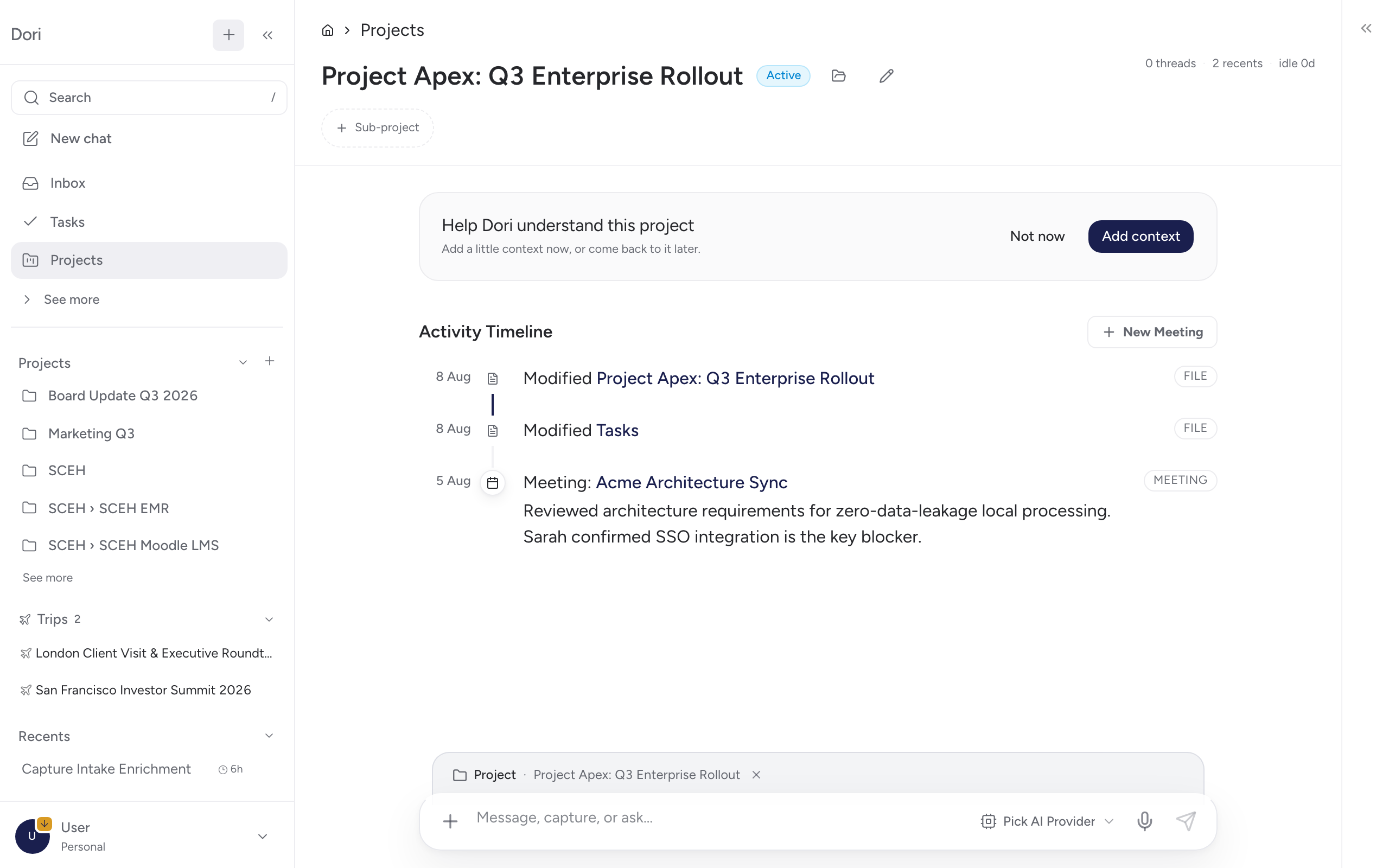
Starting a project
Go to Projects → New and pick how you’re starting it:
Point Dori at a folder already on your Mac (Dori Desktop only) and it inspects the contents as a starting point for the project.
Add loose material — files you upload or links you paste — without having to organise it into a folder first.
Start with just a name. Add material later as it comes in.
Whichever you pick, you can name the project immediately and add or change material afterward — nothing here is a one-time choice.
Auto-processing
When starting from an existing folder, you can turn on auto-processing so files already in that folder get read and filed the same way a watched folder would, instead of sitting there until you open each one.
Sub-projects
Any project can have sub-projects nested under it — click + Sub-project on a project page to create one. Each project shows its children as chips (with their own capture and thread counts), and breadcrumbs let you move back up to a parent. Use this to break a large piece of work into smaller tracked pieces without losing the connection between them.
Staying in sync with the folder on disk
If a project is backed by a folder (Dori Desktop), Dori periodically checks whether files changed outside the app — added, edited, or renamed in Finder — and shows a dismissible banner on the project page when it notices a difference, so you know to refresh rather than working from a stale view. A folder rename is treated more seriously and prompts a blocking dialog instead, since it affects the project’s identity. You can also jump straight to the folder in Finder from the project page.
Why it matters
Once a project exists, captures, meeting notes, and drafts related to it can be linked back to it automatically — so opening a project shows the current state of that work instead of you having to reconstruct it from memory.